How to Maintain Good Posture While Working at a Desk
In today's digital world, many people spend long hours sitting at desks working on computers. Unfortunately, poor posture has become a common cause of neck pain, back pain, shoulder discomfort, and fatigue. Maintaining proper posture while working can significantly improve your spinal health, productivity, and overall well-being.
Why Good Posture Matters
Proper posture helps keep your bones, joints, and muscles aligned correctly. It reduces unnecessary strain on the spine and prevents long-term musculoskeletal problems.
Benefits of Good Posture:
- Reduces neck and back pain
- Improves breathing and circulation
- Enhances focus and productivity
- Prevents muscle fatigue
- Supports long-term spinal health
1. Adjust Your Chair Properly
Your chair should support the natural curve of your spine.
Chair Setup Tips:
- Keep your feet flat on the floor
- Knees should be at a 90-degree angle
- Hips should be level with or slightly higher than knees
- Use lumbar support for your lower back
- Sit fully back in the chair
2. Position Your Monitor Correctly
Incorrect monitor placement often leads to neck strain.
Ideal Monitor Position:
- Top of the screen should be at eye level
- Monitor should be approximately an arm's length away
- Keep the screen directly in front of you
- Avoid constantly looking down at the screen
3. Maintain Proper Keyboard and Mouse Placement
Your workstation should allow your arms to remain relaxed.
Recommended Position:
- Elbows bent at approximately 90 degrees
- Wrists kept straight
- Keyboard close to your body
- Mouse positioned beside the keyboard
4. Keep Your Back Straight
Avoid slouching or leaning forward while working.
Common Mistakes:
- Hunching over the desk
- Leaning toward the monitor
- Sitting on the edge of the chair
- Crossing legs for long periods
5. Take Regular Movement Breaks
Even perfect posture can become harmful if maintained for too long without movement.
Follow the 30-Minute Rule:
Every 30 minutes:
- Stand up
- Stretch your back and shoulders
- Walk around for 1–2 minutes
- Change your sitting position
6. Perform Desk Stretching Exercises
Simple stretches can relieve muscle tension and improve flexibility.
Helpful Stretches:
- Neck rotations
- Shoulder rolls
- Chest stretches
- Seated spinal twists
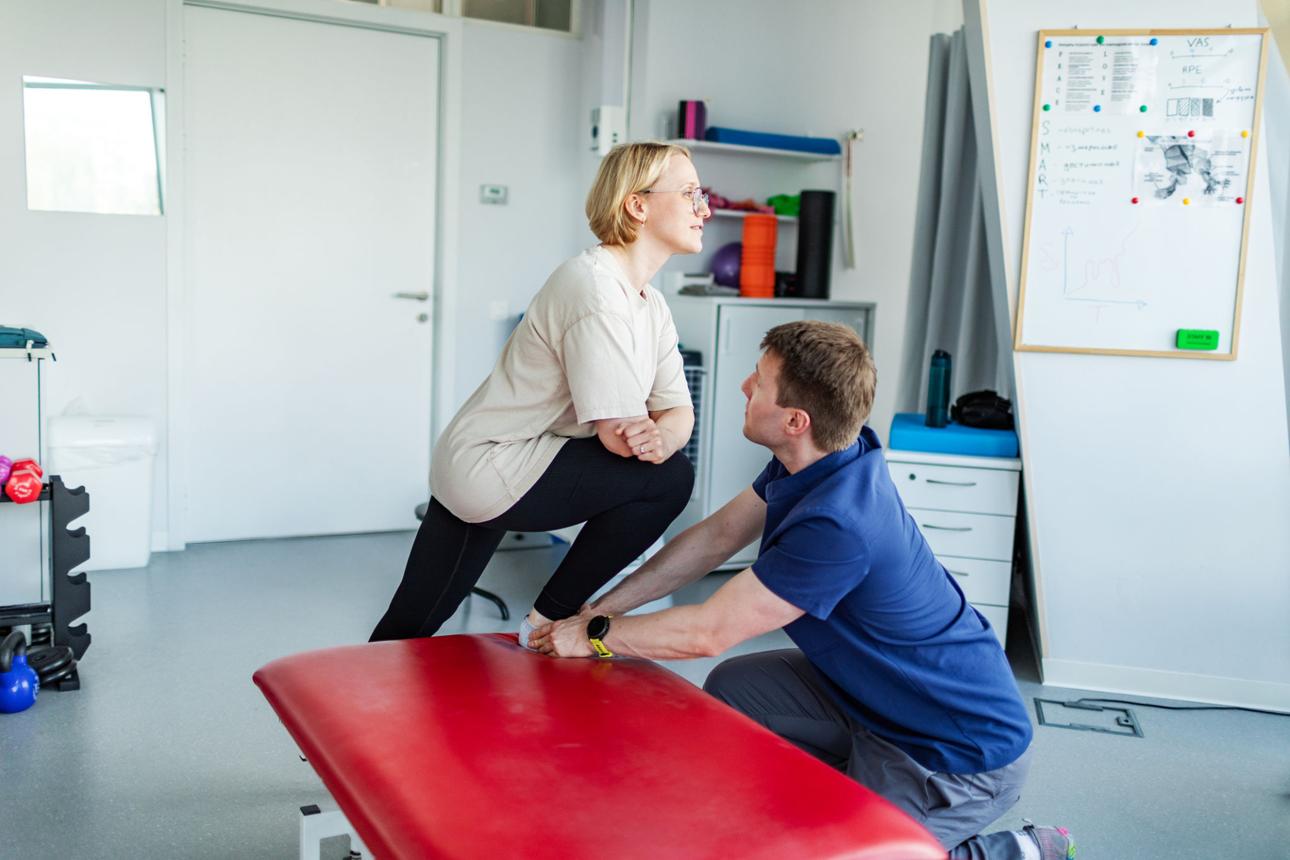
- Hamstring stretches
7. Use Ergonomic Office Equipment
Ergonomic accessories can help maintain proper body alignment.
Recommended Equipment:
- Ergonomic chair
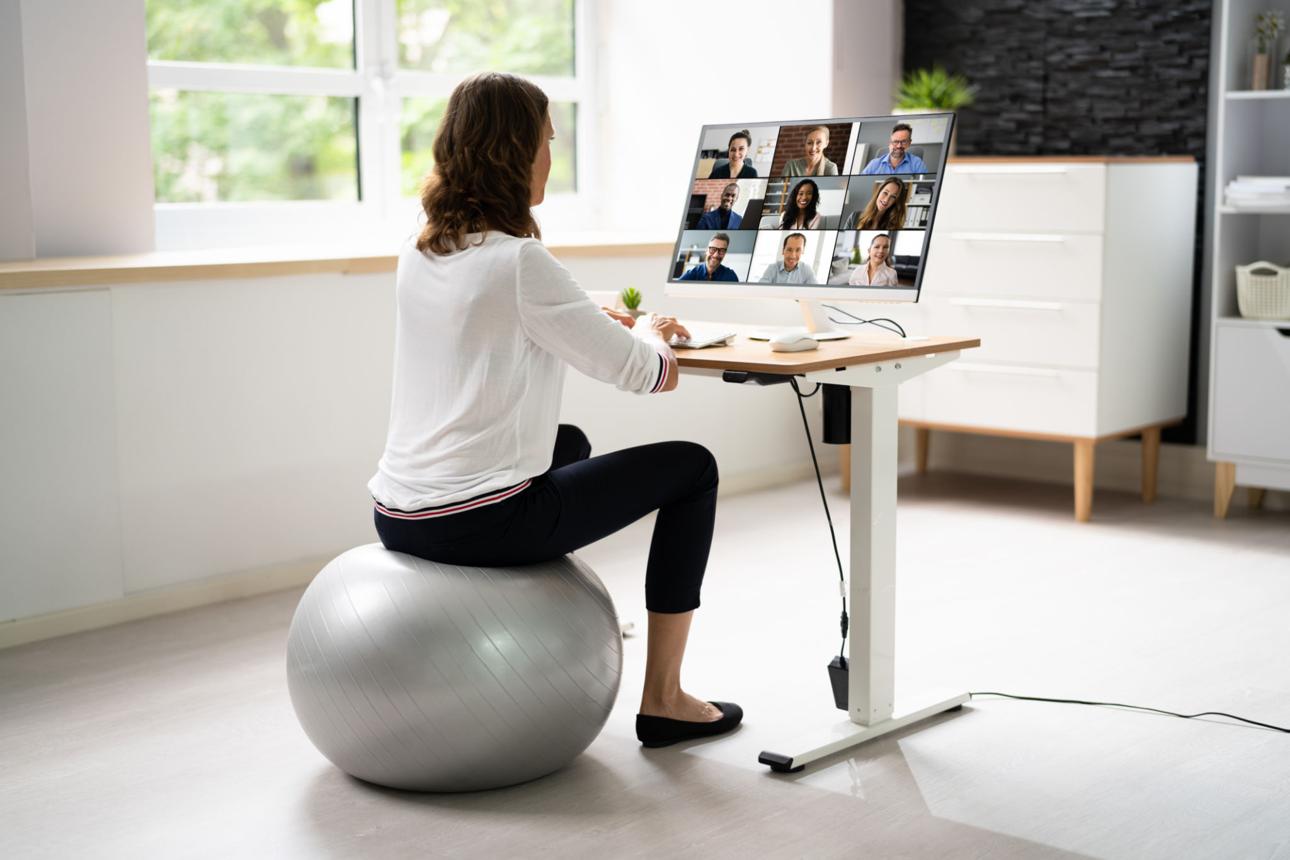
- Adjustable desk
- Monitor stand
- Footrest
- Ergonomic keyboard and mouse
Warning Signs of Poor Posture
Watch for these symptoms:
- Frequent headaches
- Neck stiffness
- Shoulder pain
- Lower back pain
- Tingling in arms or hands
- Fatigue after sitting for long periods
Long-Term Risks of Poor Posture
Ignoring posture issues may contribute to:
- Chronic back pain
- Cervical spine problems
- Herniated discs
- Muscle imbalances
- Reduced mobility
- Joint strain
Quick Posture Checklist
Before starting work, ensure:
✓ Feet flat on the floor
✓ Back supported by the chair
✓ Shoulders relaxed
✓ Monitor at eye level
✓ Wrists straight
✓ Elbows at 90 degrees
✓ Head aligned over shoulders
When Should You Consult a Specialist?
Seek professional advice if you experience:
- Persistent neck or back pain
- Numbness or tingling sensations
- Difficulty maintaining posture
- Pain that interferes with daily activities
- Symptoms that worsen despite ergonomic adjustments
Conclusion
Maintaining good posture while working at a desk is essential for preventing neck pain, back pain, and other musculoskeletal issues. Small adjustments to your workstation and daily habits can make a significant difference in your overall health and comfort. By practicing proper ergonomics and taking regular movement breaks, you can protect your spine and enjoy a healthier, more productive workday.